
React developers often look for tools that simplify UI development while keeping components responsive and easy to customize. React Bootstrap is a popular library that combines the power of Bootstrap with the flexibility of React.
In this guide, we’ll cover:
- React Bootstrap icons
- React-Bootstrap navbar
- React-Bootstrap modals
By the end, you’ll know how to integrate these components into your projects effectively.
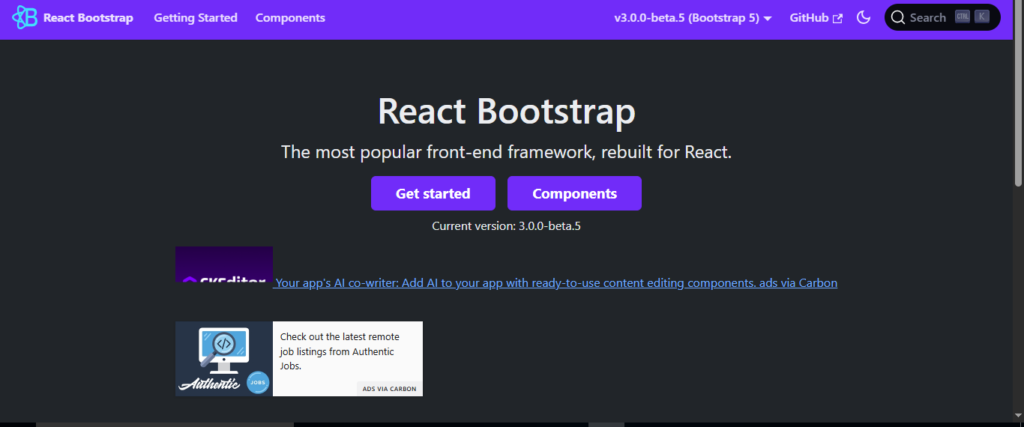
What is React Bootstrap?
React Bootstrap is a library that rebuilds Bootstrap components as fully functional React components. Unlike traditional Bootstrap, it avoids jQuery and works seamlessly with React’s component-based architecture.
Key Benefits
- Fully responsive components
- Native React support
- Easy to customize using props and state
- Compatible with React Router for navigation.
Read also Kundalik.com — Kirish & Kirish eMaktab: 2026 Complete Guide
React Bootstrap Icons
Icons improve user experience by providing visual cues in your UI. React Bootstrap Icons is a package that offers scalable vector icons as React components.
Installation
npm install react-bootstrap-icons
Basic Usage
import { Alarm, ArrowRight } from 'react-bootstrap-icons';function IconExample() {
  return (
    <div>
      <Alarm size={32} color="red" />
      <ArrowRight size={24} />
    </div>
  );
}
Benefits of React Bootstrap Icons
- Fully customizable size and color
- Easy to integrate with buttons, navbars, or modals
- Scales without losing quality
React-Bootstrap Navbar
A navbar is essential for site navigation. The react-bootstrap navbar component helps build responsive and collapsible menus easily.
Installation
First, install React Bootstrap:
npm install react-bootstrap bootstrap
Import Bootstrap CSS in your project:
import 'bootstrap/dist/css/bootstrap.min.css';
Basic Navbar Example
import { Navbar, Nav, Container } from 'react-bootstrap';function MyNavbar() {
  return (
    <Navbar bg="dark" variant="dark" expand="lg">
      <Container>
        <Navbar.Brand href="#home">MyApp</Navbar.Brand>
        <Navbar.Toggle aria-controls="basic-navbar-nav" />
        <Navbar.Collapse id="basic-navbar-nav">
          <Nav className="me-auto">
            <Nav.Link href="#home">Home</Nav.Link>
            <Nav.Link href="#features">Features</Nav.Link>
            <Nav.Link href="#pricing">Pricing</Nav.Link>
          </Nav>
        </Navbar.Collapse>
      </Container>
    </Navbar>
  );
}
Features
- Responsive and collapsible for mobile devices
- Customizable themes and colors
- Supports dropdowns and brand logos
React-Bootstrap Modal
Modals are useful for alerts, forms, or dialogs. React-bootstrap modal simplifies creating and controlling modals with React state.
Basic Modal Example
import { useState } from 'react';
import { Button, Modal } from 'react-bootstrap';function MyModal() {
  const [show, setShow] = useState(false);  const handleClose = () => setShow(false);
  const handleShow = () => setShow(true);  return (
    <>
      <Button variant="primary" onClick={handleShow}>
        Launch Modal
      </Button>      <Modal show={show} onHide={handleClose}>
        <Modal.Header closeButton>
          <Modal.Title>React Bootstrap Modal</Modal.Title>
        </Modal.Header>
        <Modal.Body>This is a simple modal using react-bootstrap.</Modal.Body>
        <Modal.Footer>
          <Button variant="secondary" onClick={handleClose}>
            Close
          </Button>
          <Button variant="primary" onClick={handleClose}>
            Save Changes
          </Button>
        </Modal.Footer>
      </Modal>
    </>
  );
}
Benefits
- Controlled entirely with React state
- Supports animations and custom styling
- Can include forms, alerts, or custom content
Tips for Using React Bootstrap Efficiently
- Use Bootstrap utilities for spacing, typography, and layout
- Combine with React Router for seamless navigation
- Customize components using SCSS or props
- Lazy load components to reduce initial bundle size.
- Ensure accessibility as all components are ARIA-compliant
Read also Bifrost: Top 5 MCP Gateways for Production AI Systems
FAQs
Do I need to include Bootstrap CSS separately?
Yes, include bootstrap/dist/css/bootstrap.min.css for proper rendering of React Bootstrap components.
Can I use React Bootstrap icons in buttons?
Absolutely. Icons can be placed inline with text or used standalone in buttons, navbars, or modals.
Is the navbar mobile-friendly?
Yes, the react-bootstrap navbar collapses automatically on smaller screens.
Can modals be used for forms?
Yes, react-bootstrap modal is perfect for login forms, alerts, or confirmation dialogs.
Can I customize React Bootstrap components?
Yes. Use props, CSS classes, or override Bootstrap SCSS variables for a unique theme.
Conclusion
React Bootstrap is an essential library for building responsive, customizable, and modern React applications. By using react-bootstrap icons, react-bootstrap navbar, and react-bootstrap modals, developers can create professional interfaces quickly.
Integrating these components into your project improves user experience, reduces development time, and ensures a consistent, mobile-friendly design.